
games
A real unified gaming library across all your games, legacy, local, and streaming. An optional add-on, played in Zude's own window.
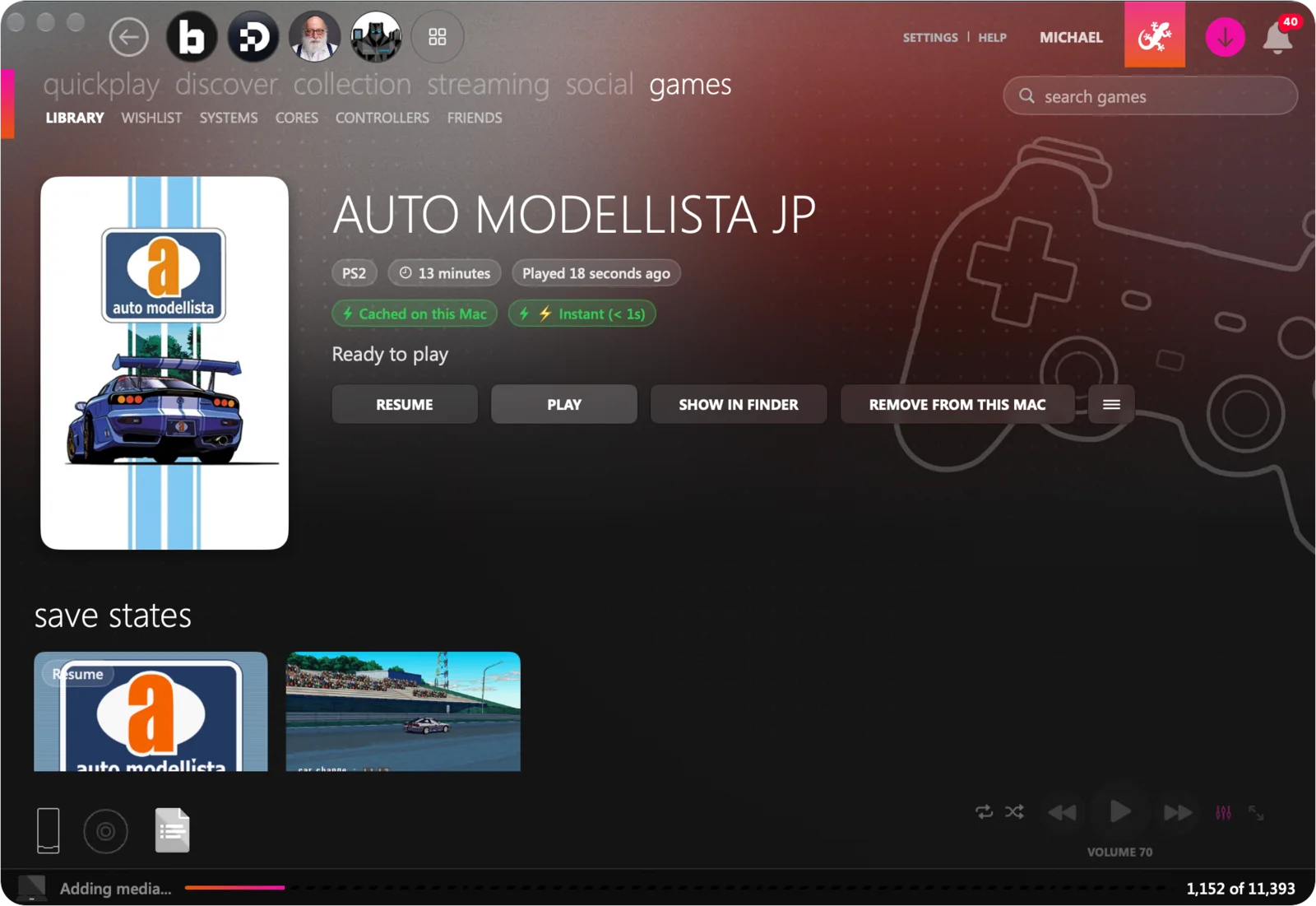
one library
Bring your own games and they join the library as cards, sorted by system.
- 02 Cores are installed when a system needs one
- 03 Two-screen systems show one big and one small, and swap
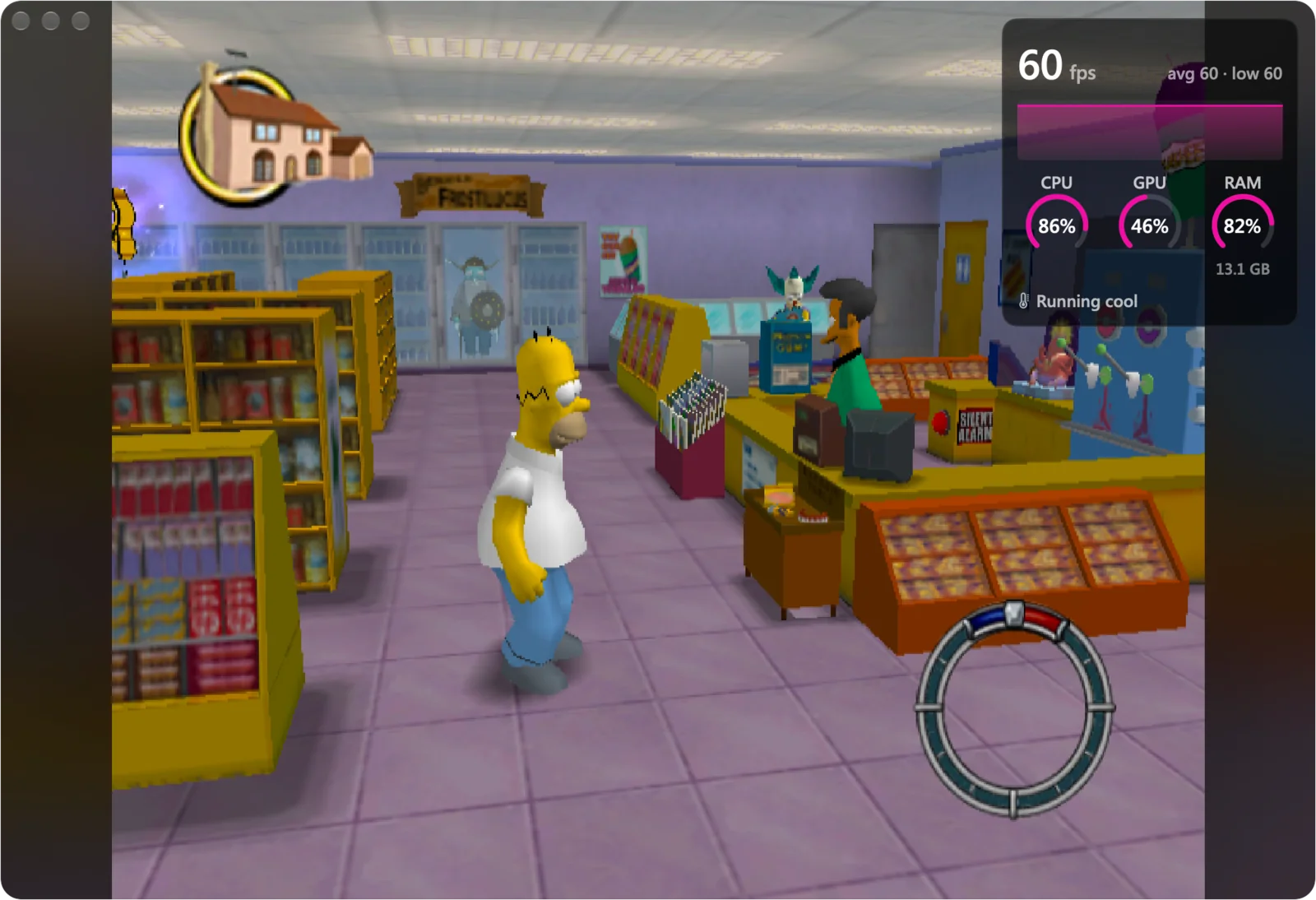
- 04 A corner shows the frame rate when you want it
one game, both screens
The top screen on your Mac. The bottom screen, and the controls, in your hand.
pair your iphone with your mac
One code, and they know each other from then on.
one screen on each
For two-screen systems, Zude puts the top screen on your Mac and the bottom screen, with the controls, on your iPhone.
- Nintendo DS
- Nintendo 3DS
- Wii U
The touch screen, under your thumb.
the touchpad is the pointer
Pick up a PlayStation controller and the bottom screen moves into the corner of your Mac. The touchpad moves a pointer over it.
Controller model by Taohid, used under CC BY 4.0. Textures reduced in size.
remote play
Play the console in the other room without leaving Zude.
- 02 Your PS5 or PS4 at home, with Pair and Play
- 03 Their games show as cards in the library



Scroll, drag or use ↑ ↓ to turn the wheel
emulation cores
Each console is played by a core. Zude installs the ones it knows when you need them, and you can bring your own for consoles it does not cover.
installed on demand
The first time a system needs its core, Zude fetches it.
import your own
Add a core you have built or downloaded, for more consoles and alternatives.
pick per system
Where a console has more than one core, choose the one you prefer.
kept apart
Cores run in their own helper, outside the player.
the systems
From the first home consoles to discs and handhelds.
nintendo
NES, Super Nintendo, Nintendo 64, GameCube, Wii and Wii U.
handhelds
Game Boy, Game Boy Color, Game Boy Advance, Nintendo DS and 3DS, PSP and PS Vita.
sega and neo geo
Genesis, Game Gear, Saturn, Dreamcast and Neo Geo.
playstation
PlayStation, PlayStation 2 and PlayStation 3.
mods and shaders
Play a game the way you want it to look and behave.
game mods
Add mods to a game and play it with them applied.
console mods
Change how a console itself behaves, where its core allows it.
shaders
Alter the picture with shaders, and adjust them to taste.
the glow
The window around a game takes on the colours of what is on screen.
per game
Each game keeps its own setup.
controllers
Pick up a controller and it works.
four players
One controller each, or share a keyboard.
touchpad
A PlayStation controller's touchpad moves the pointer.
joy-cons
Two of them can be one player.
your phone as a controller
Zude Mobile becomes the gamepad, and shows the bottom screen of a two-screen system.
rumble
Where the game and the controller support it.
coming soon
every feature works without a subscription