
Video by Nicola Narracci on Pexels
music
Your own files, Apple Music, Spotify and YouTube Music in one collection.






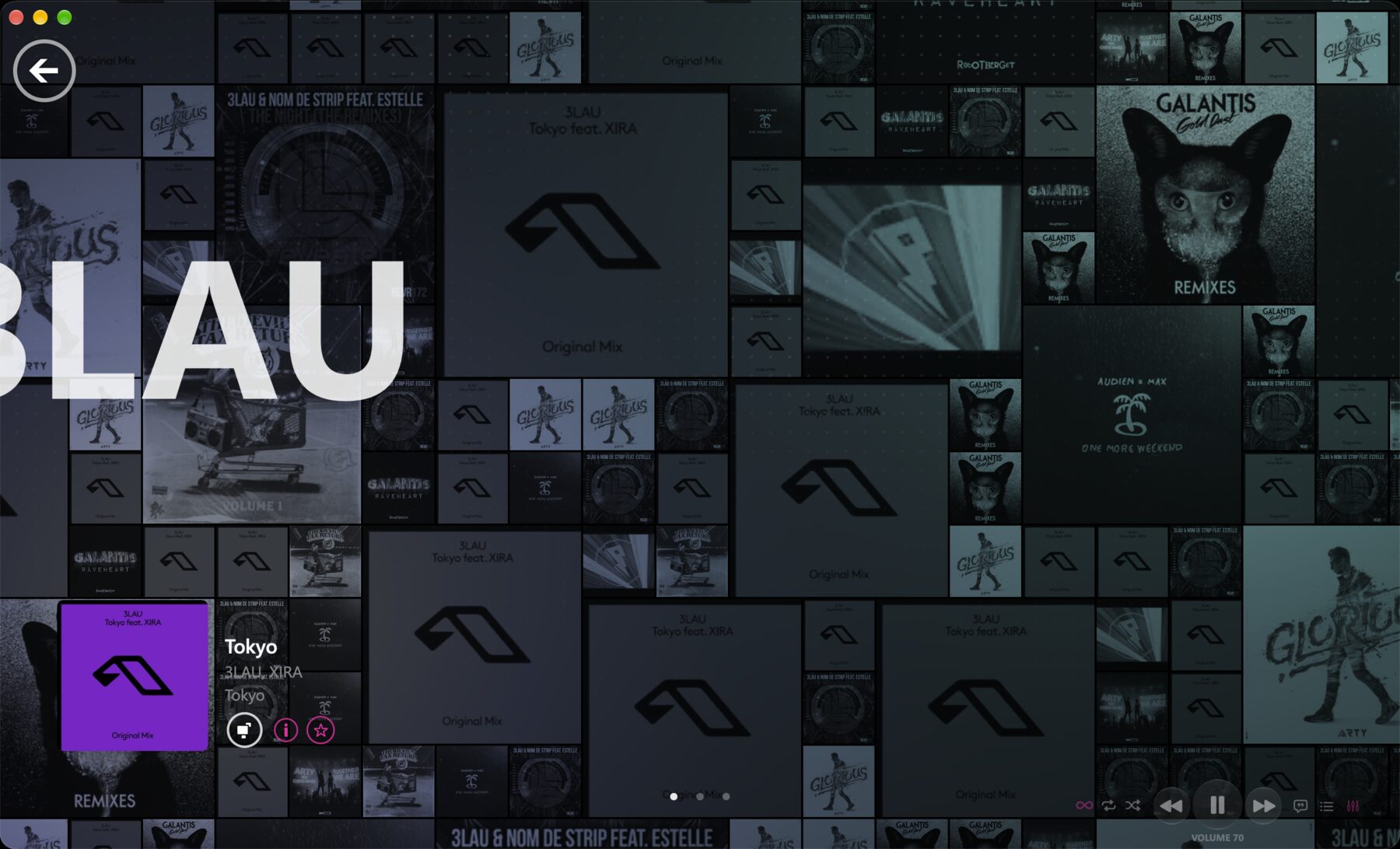
Every cover in your collection, and the screen you leave open.
now playing
The screen you leave open. Album art flips across a living grid while the artist's story runs over it.
- 02 A live wallpaper: the same wall of flipping covers, as your desktop
- 03 A spectrum fire that burns with the beat
- 04 Media keys and AirPods control playback
lyrics
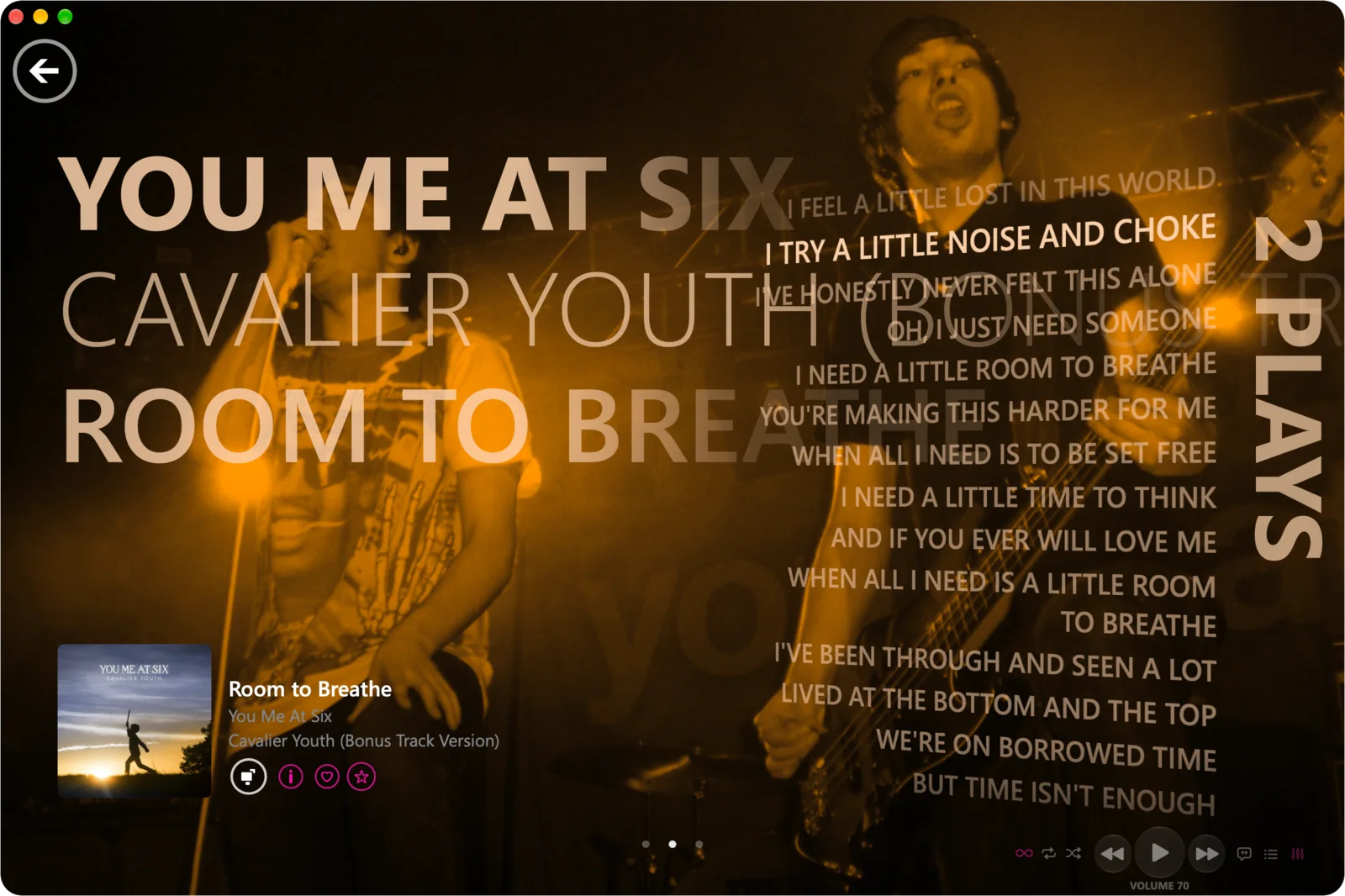
The words arrive as they are sung, set in perspective beside the artist.
- 02 On the Mac and in the mobile apps
- 03 Like, favourite and look up the song from the same screen
quickplay
The screen Zude opens on. Everything you are likely to want next, already laid out.
- 02 New and history: what you just added, and what you just played
- 03 Favourites, your most played, and today's mix
- 04 Your library in numbers, with fun facts about it









55 minutes of music, end to end
The longest song you have is “Everyone”, at 4:49.
The shortest is “Remember the time we use to play”, at 1:36.
HoliznaCC0 has the most songs: 8.
your collection
Built to keep a very large library in order, with nothing in the way.
browse your way
Artists, genres, albums, songs and playlists, in columns that follow what you pick.
jump to a letter
An A to Z index down the side of a long list takes you straight there.
sort it your way
A to Z, by last played, by number of plays, by date added or by release year.
pinned artists
Keep the artists you play most at the top of the list.
a library each
Separate libraries for each person on the same Mac, which can be locked with Touch ID.
a child's library
Made from yours, with limits kept behind your lock: explicit songs left out, no downloads, and Settings opened only with your PIN.
streaming
Apple Music and Spotify playlists side by side, checked against what you own.
- 02 The songs and albums missing from your collection
- 03 Radio stations, with the songs they name

one queue
Your files and your services act as one player. Nothing lives in a separate app.
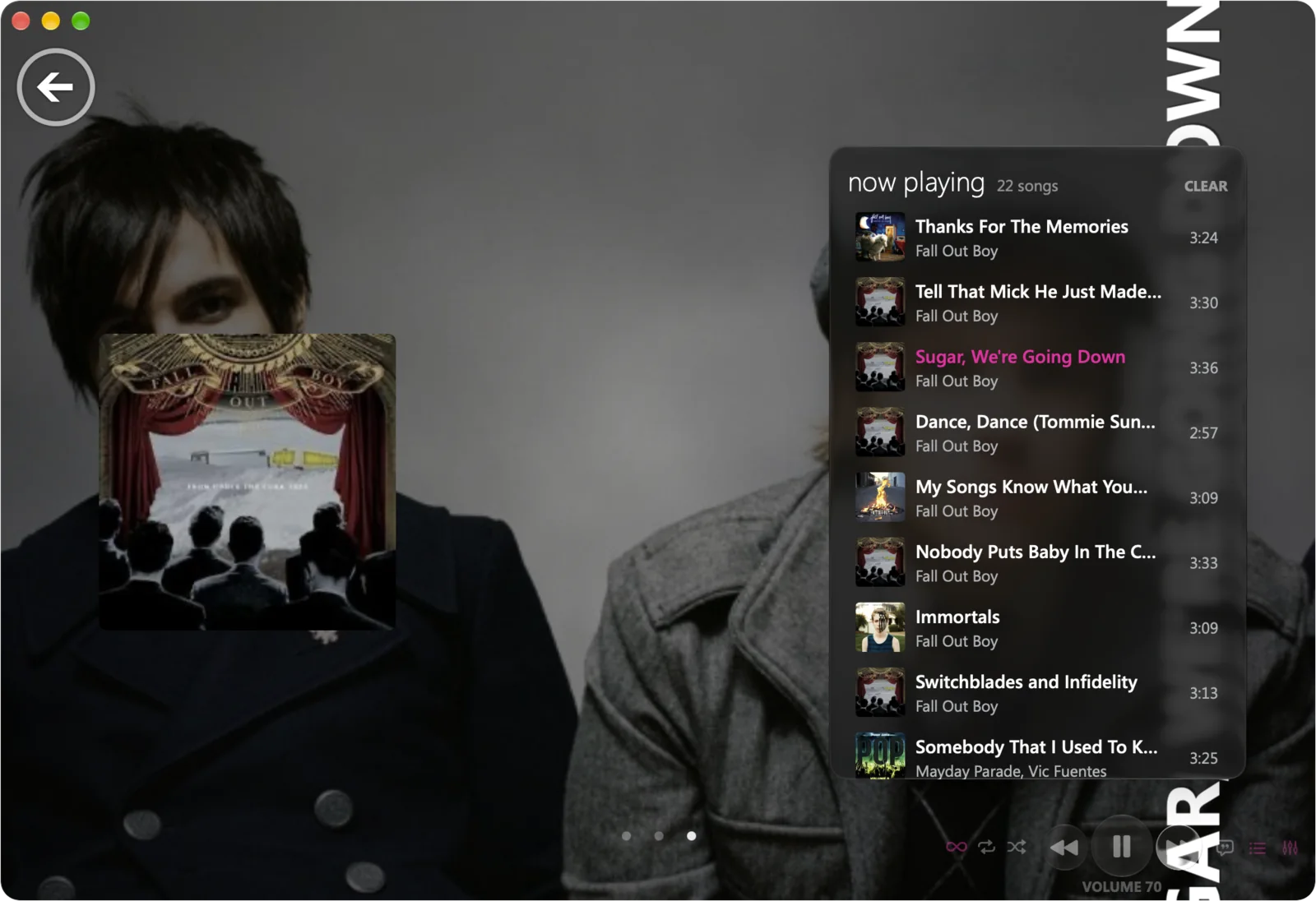
merged queue
One queue, one Now Playing and one history, whatever each song is coming from.
songs and videos together
Audio and video share the same queue, so a music video can follow a song.
song popularity
See how popular each song is, right in the list.
where it plays from
Every song shows its source: a local file, Spotify, Apple Music or YouTube Music.
more services
TIDAL and Deezer connect too, and one search covers all of them.
like and favourite
Like a song on Spotify or favourite it on Apple Music without leaving Zude.
more by the artist
Look up an artist's other songs, beyond the ones you own.
the rest of the album
See the songs of an album that are missing from your library.
lyrics in 3d
Auto-scrolling lyrics in perspective, on the Mac and in the mobile apps.
recents from shazam
The songs you have Shazamed lately show up in Zude, ready to play or add.
travel back in time
When MP3 players arrived they held only so much, so you played what you had, over and over, and those songs became that year of your life. Zude brings that back: smart playlists that fill themselves with what you played most in each season and each year, so any stretch of your life is one tap away.
every season
A playlist for each spring, summer, autumn and winter you have listened through.
every year
The songs you played most that year, in order.
made for you
They build themselves from your own play history. Nothing to set up.
this season, so far
The one you are living in now keeps filling as you listen.
playlists
Playlists from everywhere you keep them, sorted the way you like.
playlist folders
Group playlists into folders, on the Mac and on your phone.
smart playlists
Seasons, years, most played and favourites, kept up to date for you.
auto playlists
Playlists that fill themselves by rules you set.
apple music and spotify
Every playlist from both, Liked Songs first.
playlist files
M3U and M3U8 files, PLS, and CUE sheets you can take anywhere.
public playlists
Publish one with a description, for anyone on Zude to find.
radio
Internet radio and SiriusXM, in the same player as everything else.
- 02 See the song a station has on air, and add it to your Shazam history if you like
- 03 SiriusXM: browse its music channels by genre and see what each is playing now
- 04 Play a mix of what a SiriusXM channel has been playing
mixview
Start from the artist you are playing and wander. Mixview lays out the artists and albums related to it, and each one you pick becomes the new middle.
- 02 Pick one and the web redraws around it
- 03 Similar artists come from Last.fm
- 04 Play anything you find, from your library or a service

discover
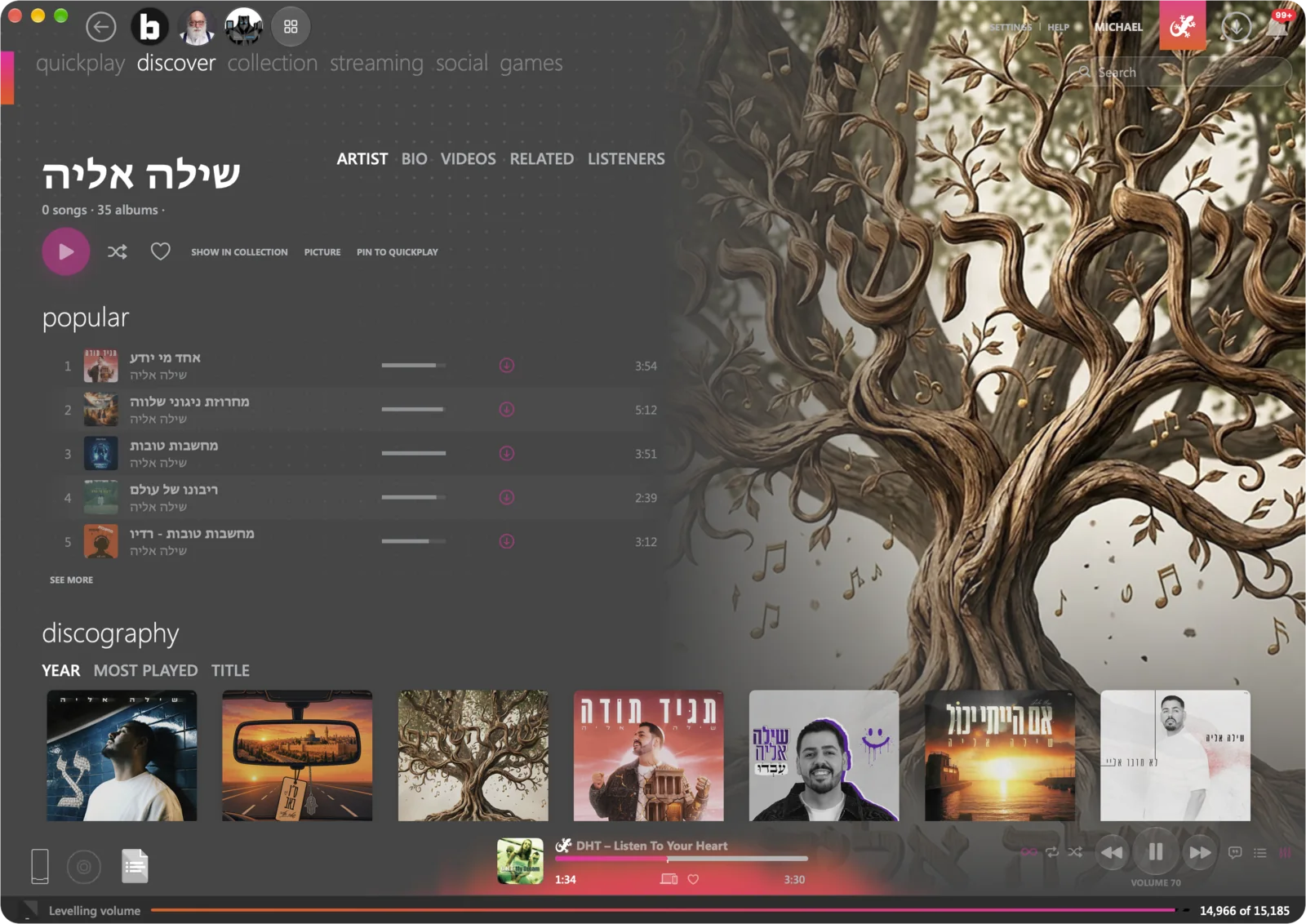
New music from open data, every day.
daily picks
New music every day, on Quickplay and on the phone.
cover flow
Flip through your albums by their covers, the way older iTunes and iPods did.
smart dj
A mix that keeps going from any song.
charts
What each country is playing.
ask about music
A built-in assistant that searches the web and answers with its sources.
metadata editor
A powerful metadata editor and lookup, on the Mac and in your hand. Fix a title, a genre or a cover from your iPhone or iPad, and the files on your Mac are changed to match.
- 02 Covers looked up on Apple Music, Deezer and MusicBrainz
- 03 On the Mac, Mp3tag-style editing for one song or a thousand
- 04 Discogs lookups, and the tags are written into the files themselves
- SongLength
- Roof Tops3:34
- August Never Lasts2:38
formats and tools
Zude plays what you have and converts what you need.
converter
On the Mac, convert songs to AAC, MP3, FLAC, Apple Lossless, Ogg Vorbis, Opus, WAV or AIFF.
music files
MP3, AAC and M4A, FLAC, Apple Lossless, WAV, AIFF, Ogg, Opus, WMA, APE and WavPack.
podcasts
Your own subscriptions, search and charts.
audiobooks
M4B books that keep their place on every device.
sound
A ten-band graphic equalizer or full parametric filters, applied in the audio path itself, and songs that flow into each other at one steady level.
- 02 Silence at the start and end of a song is found and skipped
- 03 Seamless transitions, with a crossfade of up to 12 seconds
- 04 The equalizer works for Spotify too
- 05 A volume curve where 70 sounds like 70

coming soon
every feature works without a subscription